Meet the Submittal Builder
One conversation takes a project from drawings to a finished, shareable submittal package — and then drafts the quote and the purchase orders that follow. You describe the outcome; the agent does the work.
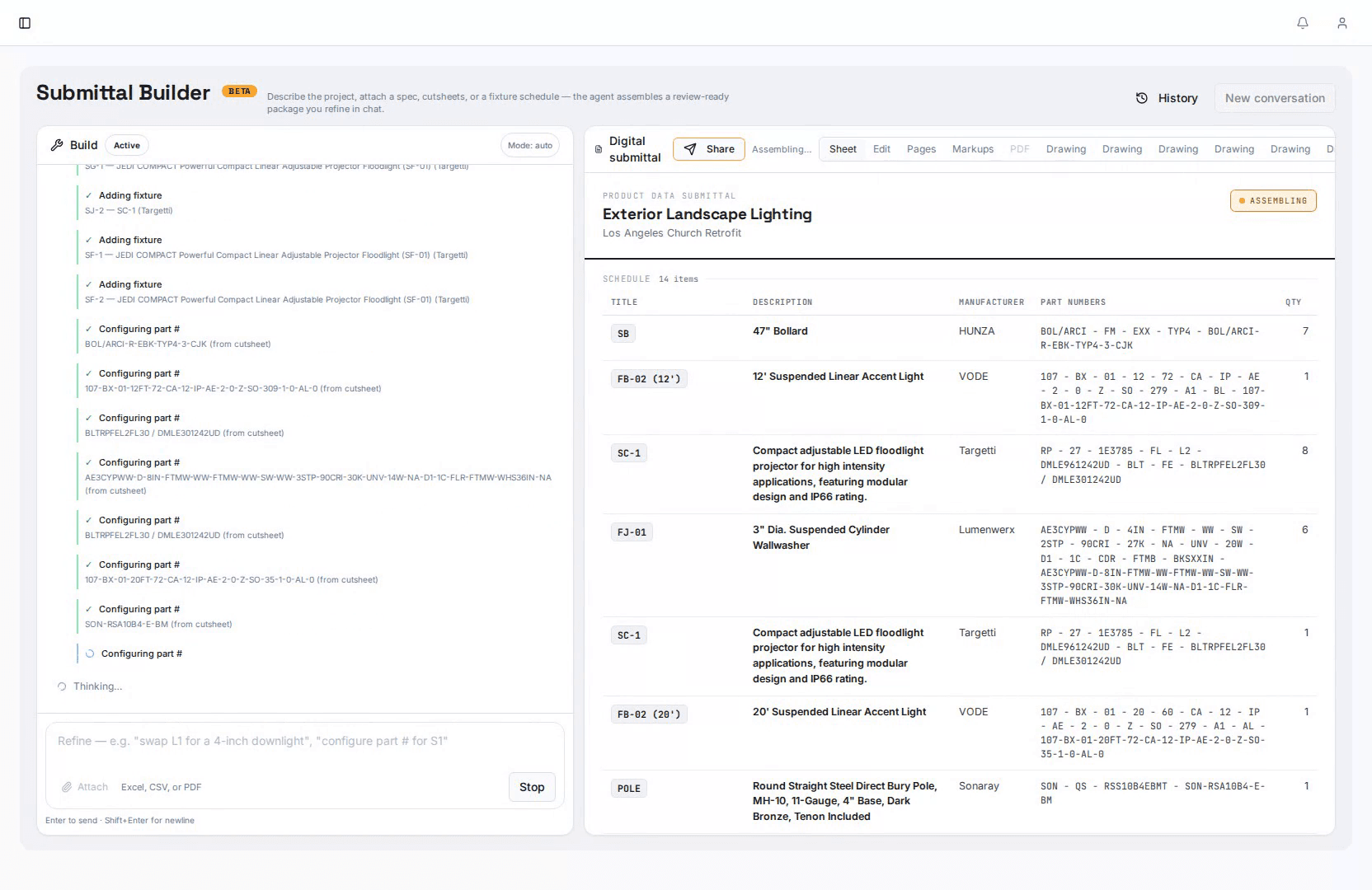
Three Modes, One Composer
Pick a mode from the dropdown at the top of the chat — or just start typing and let the Builder route the request.
Create
Start something new: a submittal, a quote, a purchase order, a product. Describe the outcome and the Builder assembles it.
Manage
Find, edit, and organize what already exists in your project — products, part numbers, packages, and logs.
Review
Compare submittals to spec, summarize comments across revisions, and prepare packages for sign-off.
One Chat, the Whole App
Every capability you would otherwise reach through a page or a button is available to the Builder as a tool. You never call these by name — you describe what you want and it selects the right ones.
Projects & Fixtures
- Create and switch projects; list a project's fixtures
- Search the master catalog and add products to your project
- Create new products, edit details, and manage part numbers
- Pull specs from the web and attach manufacturer cutsheets
Submittals
- Build a submittal from selected fixtures or from uploaded drawings
- Frame per-fixture headers and assemble the package
- Add cover pages, transmittals, and a comment-summary page
- Generate the final PDF and create a shareable review link
Drawings & Markup
- Analyze drawings, count fixtures, and place callouts
- Highlight part numbers and add markups and comments
- Summarize and version comments across revisions
Procurement
- Create a quote with AI from your project's fixtures and pricing
- Create a purchase order with AI, grouped by manufacturer
- Track items in the Procurement Log and draft supplier emails
Review & Compliance
- Compare a submittal against the project spec and report gaps
- Extract annotations and generate review reports
- Check specs and surface compliance notes
Good First Prompts
- “Create a submittal from these drawings”
- “Find a downlight that matches this spec and add it to my project”
- “Create a quote with AI for the current project”
- “Quote everything from Lithonia in this project, with a 15% markup”
Drawings to PO, Step by Step
Real recordings from the app — the full lifecycle of one package.
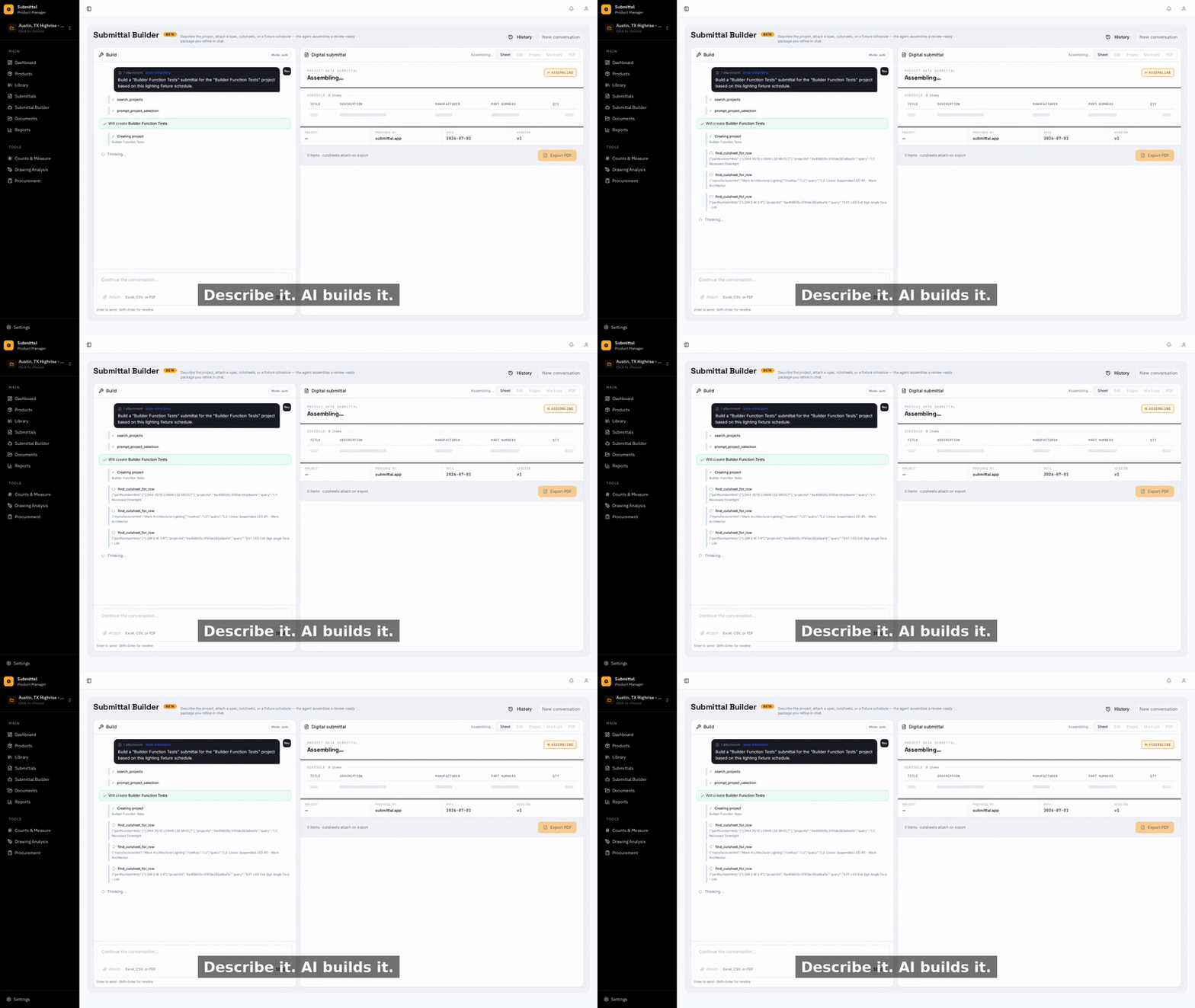
1Describe the job
Type what you want in plain language — "Build a submittal for all the L-type fixtures in the Riverside project."
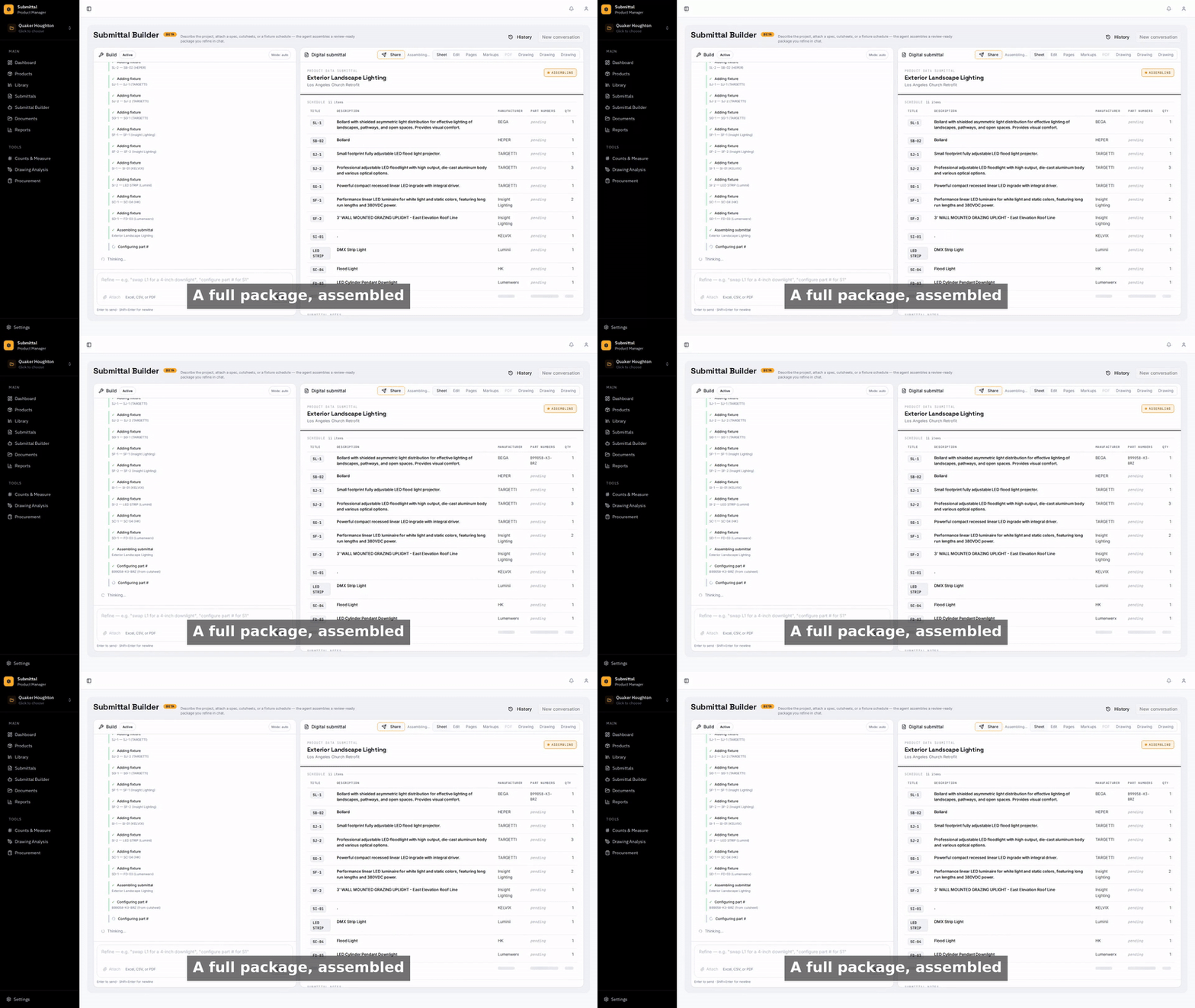
2The package assembles
The agent finds the products, pulls cutsheets, frames per-fixture headers, and builds the package while you watch.
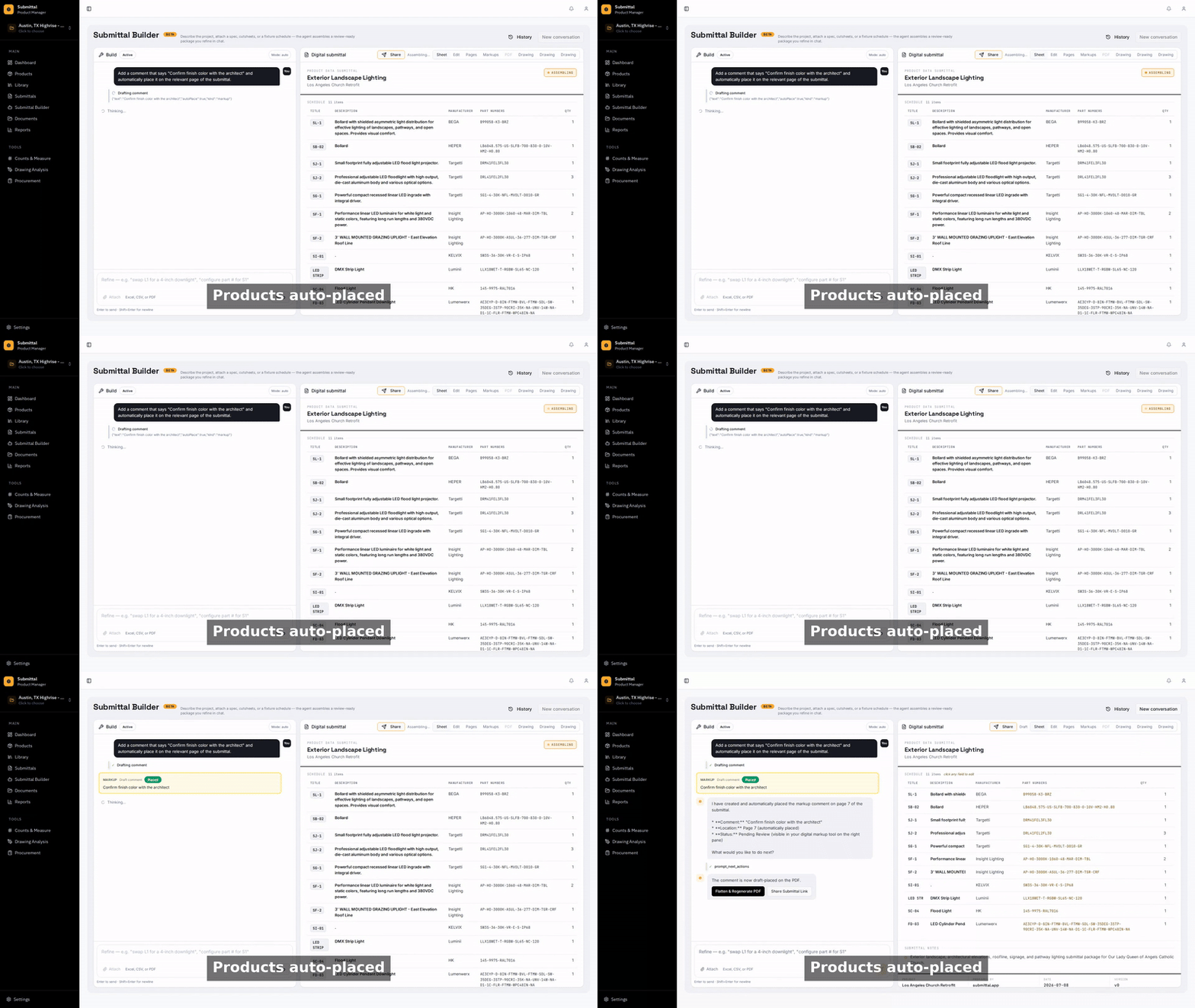
3Comments place themselves
The agent reads each cutsheet and drops review comments on the exact spot they refer to.
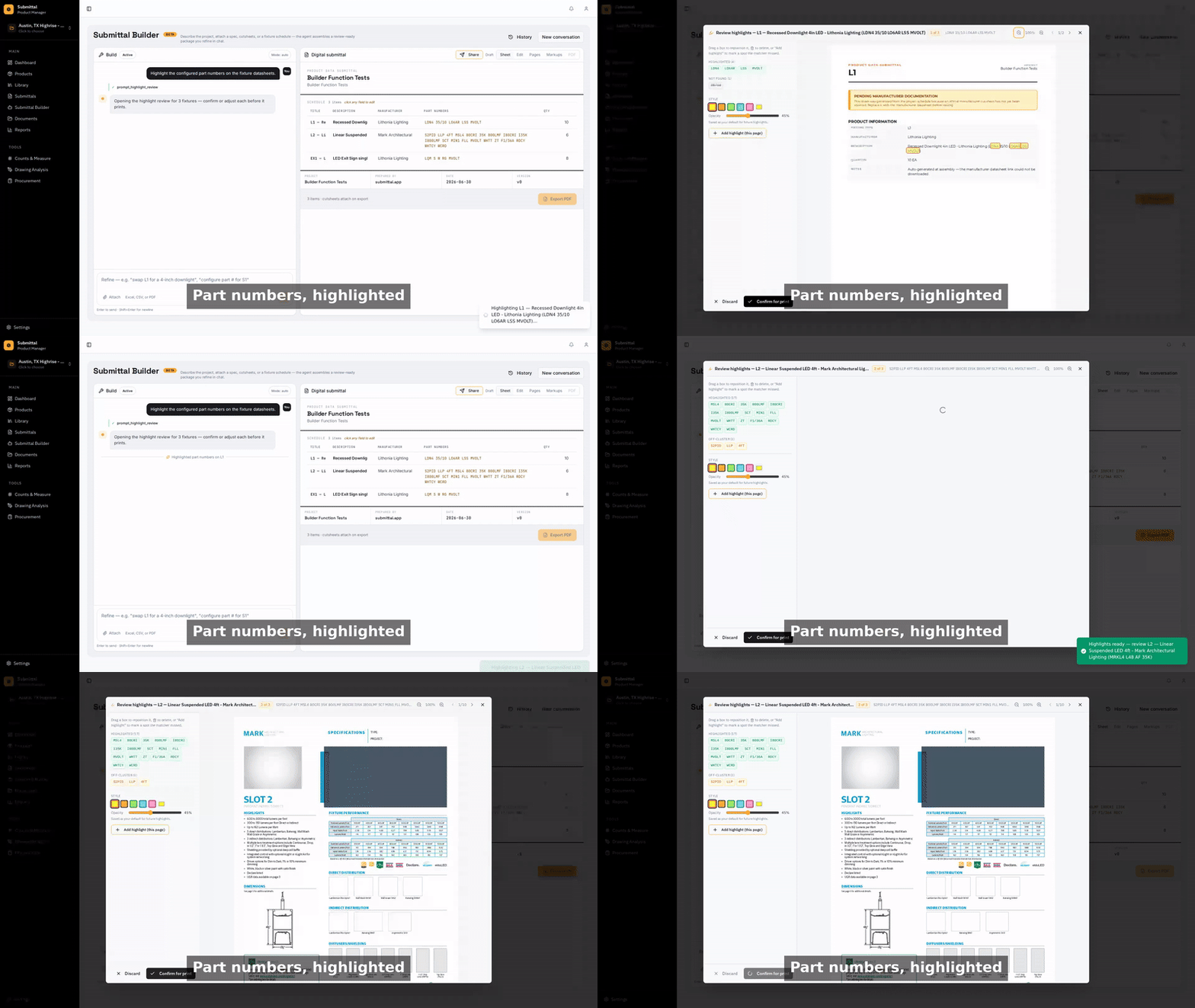
4Part numbers highlighted
Every part number is located and highlighted on the datasheet for fast verification.
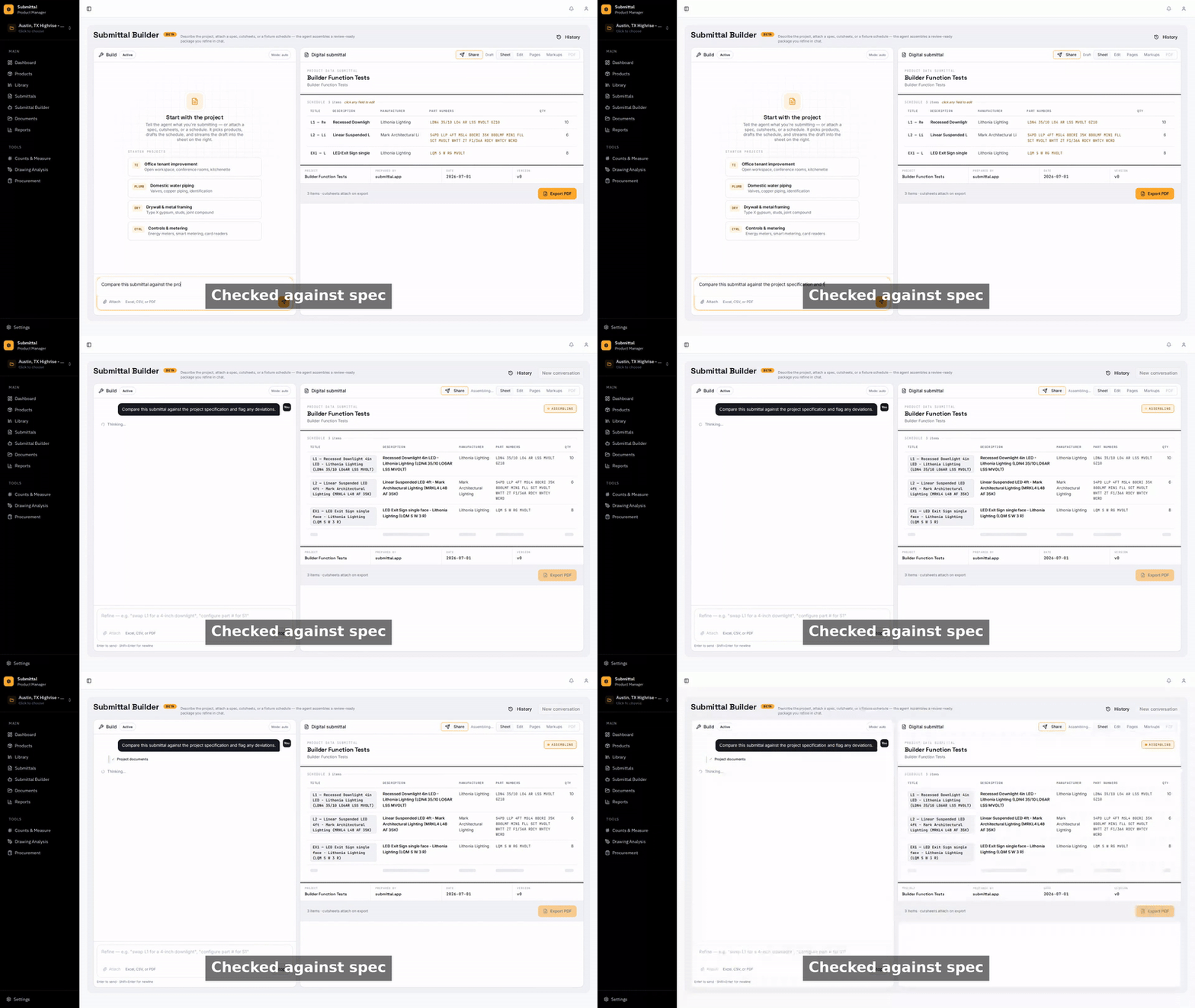
5Specs extracted
Specifications are pulled from the cutsheet so reviewers see the numbers without hunting.
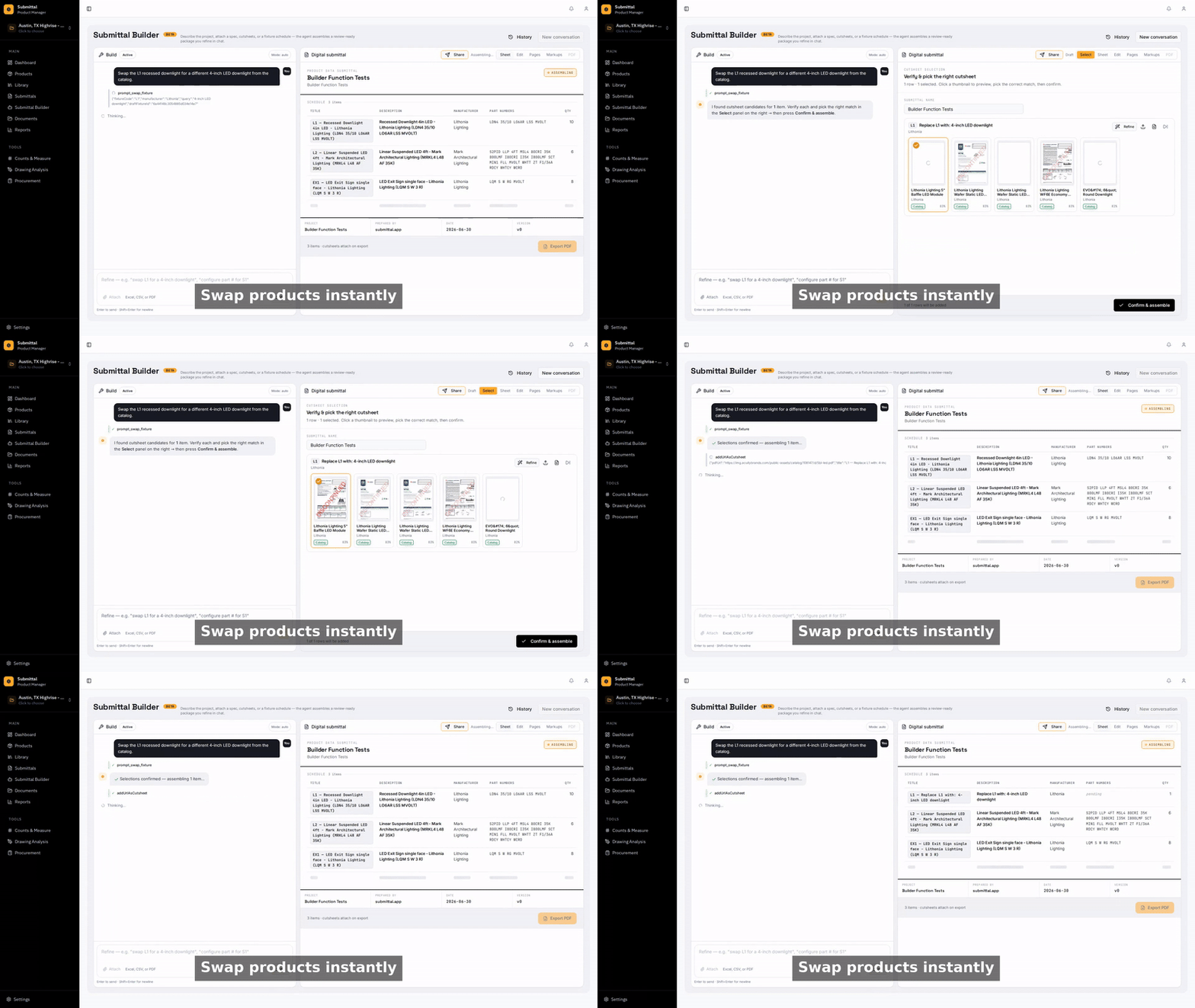
6Swaps in one command
Ask for a substitution and the agent replaces the product across the package, keeping specs and part numbers in sync.
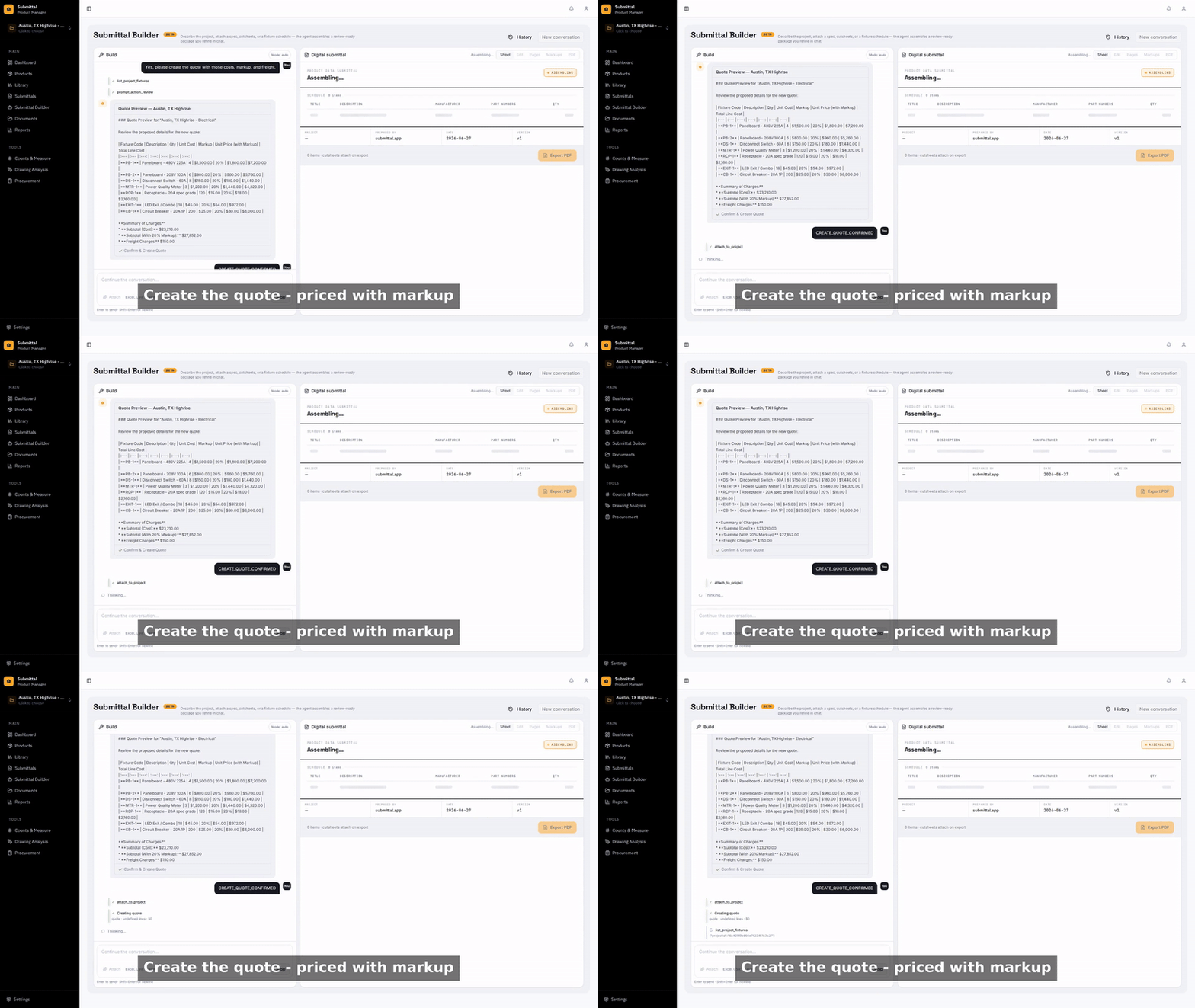
7Quote generated
Line items, quantities, and your documented pricing — assembled into a send-ready quote. Add a markup by asking.
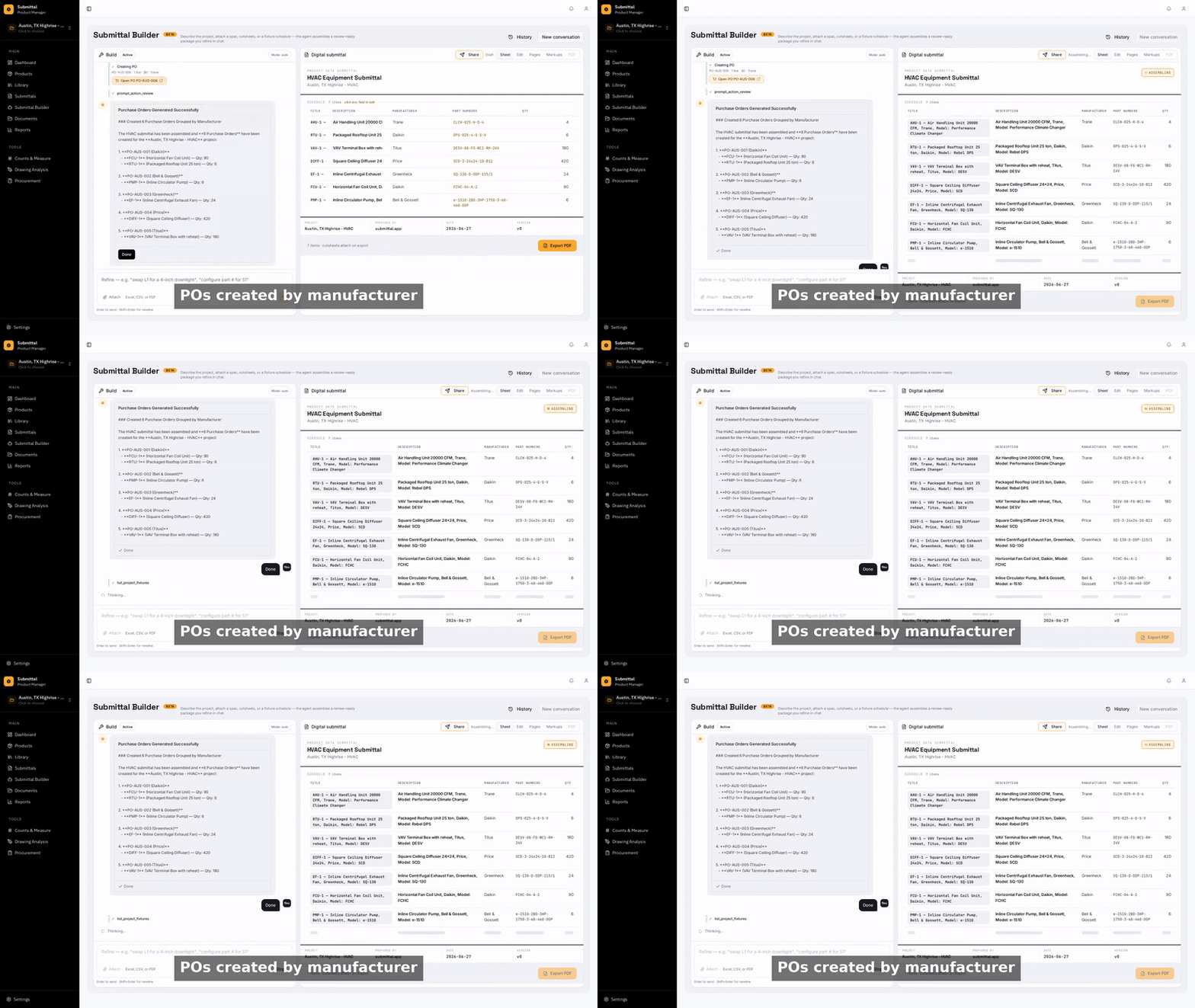
8POs grouped by manufacturer
The approved quote becomes purchase orders, one per manufacturer, without re-entering a single line.
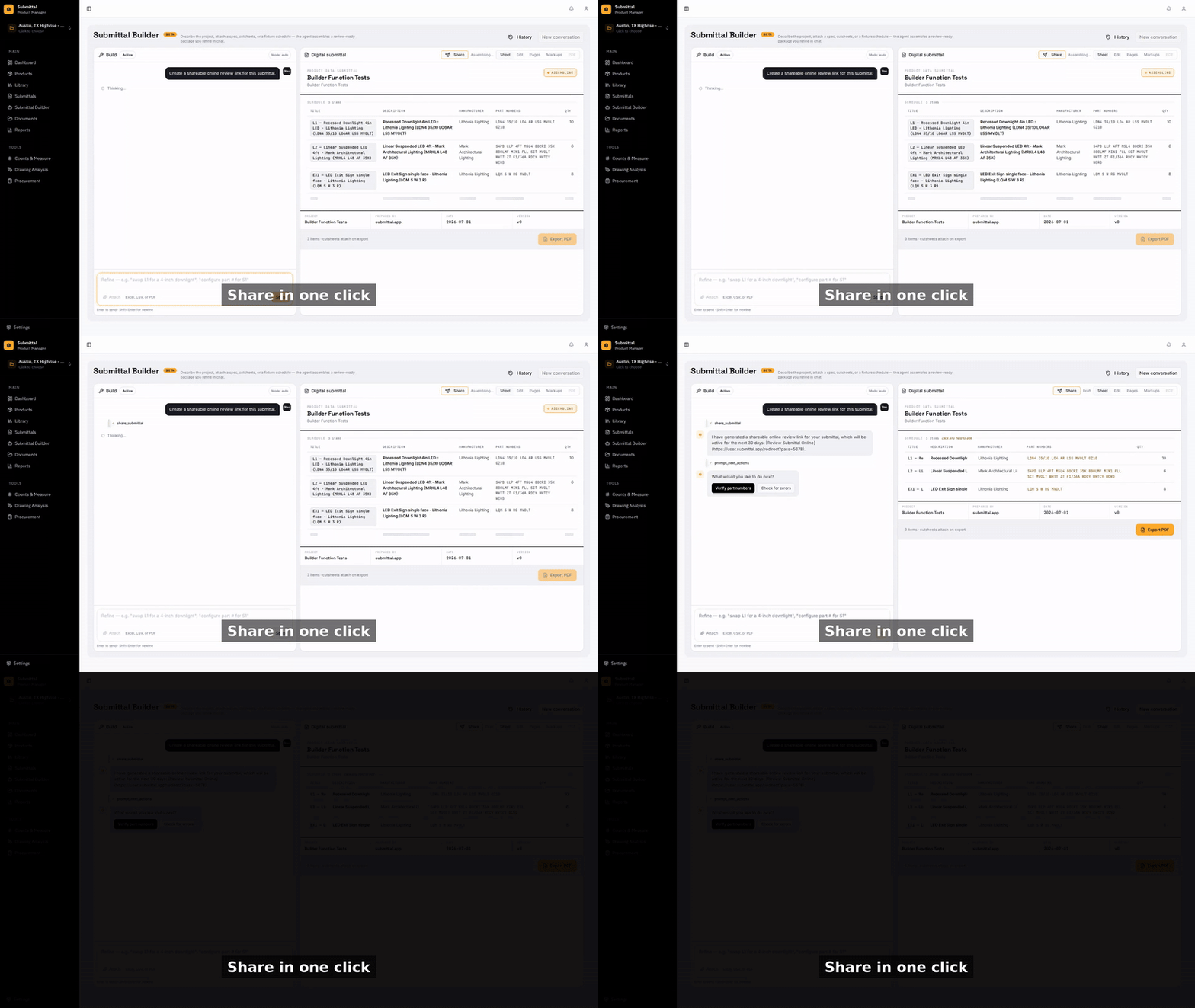
9Share with one link
A secure review link goes to your GC, architect, or rep — no account needed on their end.
The Builder Proposes. You Confirm.
When a request maps cleanly to a tool, the Builder runs it. When something is missing — a project, a manufacturer, a target fixture — it shows you a quick picker rather than guessing. Every action is visible in the conversation, so you always know exactly what was done and why.
Frequently Asked Questions
What is the Submittal Builder?
The chat-driven home of Submittal.app. Instead of clicking through separate pages, you tell the Builder what you want in plain language and it does the work — finding products, building submittals, drafting quotes and purchase orders, marking up drawings, and more. Every major action in the app is available to it as a tool.
Does it guess when my request is ambiguous?
No. When something is missing — which project, which manufacturer, which fixture — it shows a quick picker instead of guessing. The Builder proposes; you confirm. Every action it takes is visible in the conversation.
Can it find cutsheets on its own?
Yes. It searches manufacturer sites for cutsheets and spec data and attaches them automatically, using multi-source search (Google, Exa, and the TinyFish product database with extracted specs and confidence scores).
Do I need to learn commands or tool names?
No. You describe the outcome and the Builder picks the right tools. The fastest way to learn what it can do is to ask it: "What can you do?"
Can one conversation really go from drawings to a PO?
Yes — that's the point. The same chat that analyzes your drawings and builds the submittal can generate the review link, then draft the quote and the purchase orders that follow approval.
Ask It to Build Something
Free to start. Describe a job and watch the package assemble.